Thank you for your interest in Gig Performer Essentials.
Please enter your name and email address in the field below. Links for both Windows and macOS downloads will be sent to you.
By providing your email address, you will be subscribed to our newsletter from which you will be able to unsubscribe at any time. Make sure you use a valid e-mail address and if you don't receive our e-mail, please check your spam folder.
Dialog window
Gig Performer® 14-Day Free Trial
Thank you for your interest in Gig Performer.
Please enter your name and email address in the field below. Links for both Windows and macOS downloads will be sent to you.
By providing your email address, you will be subscribed to our newsletter from which you will be able to unsubscribe at any time. Make sure you use a valid e-mail address and if you don't receive our e-mail, please check your spam folder.
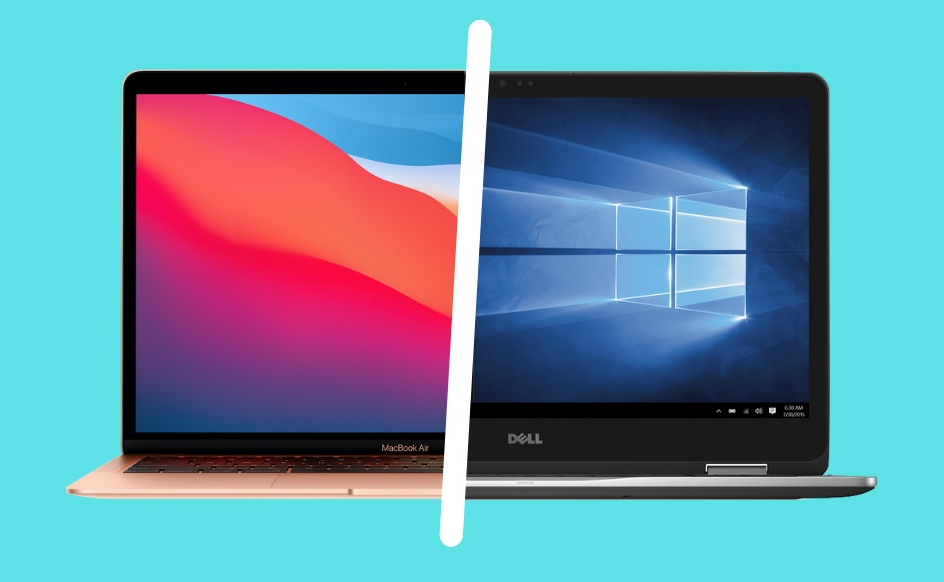
Choosing which platform to use for live performance: PC or Mac?
In this article, we will share some insights to help you decide on which platform to use for your live performances, PC or Mac. Since this article is aimed at musicians, we will not go deep into the technical details, but will rather focus on highlighting the practical benefits and the important differences between the two platforms.
The short answer to the question is, of course: it depends. If you currently use hardware for your live performance and are considering enriching your setup with VSTs, switching entirely to a software based system, or you are simply curious as to what the “other side” has to offer, this article is for you. The Windows versus macOS debate has been always heated, but we will list some factors that will help you decide what system is more suitable for your particular needs. .
1. System architecture and drivers
.
First, from the system architecture aspect, neither macOS nor Windows is a hard Real-Time Operating System (RTOS). Both are General-Purpose Operating Systems (GPOS) optimized for responsiveness, throughput, and fairness.
However, when we compare operating systems and their kernels in terms of audio, macOS has a single, system-wide audio stack built directly into the operating system kernel model. This stack is called CoreAudio.
This allows macOS to provide native support for “class compliant” hardware. Most modern audio interfaces work the moment you plug them in. macOS includes generic drivers that support high-resolution audio without needing to download software from the manufacturer.
Further, macOS uses the XNU kernel, a hybrid composed of the CMU Mach kernel (threads, scheduling, virtual memory, IPC), BSD Unix (process model, filesystems, networking), IOKit (driver framework). In essence, macOS is built on a very strong and powerful foundation from the architectural standpoint. Mach provides first-class real-time thread scheduling policies, which is very important for audio.
Windows uses the Windows NT kernel, which is also hybrid, preemptive, and highly optimized. Unlike macOS, which has a native, low-latency subsystem called Core Audio, Windows requires third-party ASIO (Audio Stream Input/Output) drivers to bypass its standard audio stack for professional performance. Therefore, on Windows, we recommend all users to install audio interface specific ASIO drivers.
Note, however, that ASIO is not a built-in Windows feature. It actually bypasses Windows audio stack and lives in vendor-supplied drivers. This means that performance depends very significantly on the driver quality.
For example, my Audient ID4 and Behringer UMC work right away in macOS as soon as I plug them in, whereas on Windows I need to install an ASIO driver. .
2. Routing options
.
macOS provides you with extremely easy routing functionalities. To achieve the same functionality, Windows users will need some rig planning, and using third-party tools that may come with additional cost (such as a little added latency). We’ll list some important points. .
Resource sharing: Single-client and multi-client drivers
.
A driver that allows only one application at a time to use an audio interface is called a single-client driver. Similarly, a driver that allows multiple applications to use the same audio interface simultaneously is called a multi-client driver.
On macOS, all drivers are multi-client drivers.
On Windows, unfortunately, there is still a large number of audio interfaces that come with single-client ASIO drivers. For example, two instances of Gig Performer Pro counts as two applications, which means that your second instance will be unable to use the audio interface. The same applies to MIDI devices — a number of them are using single-client drivers on Windows. This means that if one application is using your MIDI device then you can’t use this device on another application natively.
In this article, we presented some workarounds and solutions that will help Windows users deal with this situation, if needed.
Therefore, if you are using Windows and plan to buy a new audio interface, we suggest that you choose an audio interface with multi-client ASIO drivers. Check the drivers page or contact the manufacturer to learn which interfaces support multiple applications running simultaneously. Note: this is not a Windows limitation but the developers’ decision and it may happen that a driver update brings support for multiple applications running simultaneously. .
Aggregating audio devices
.
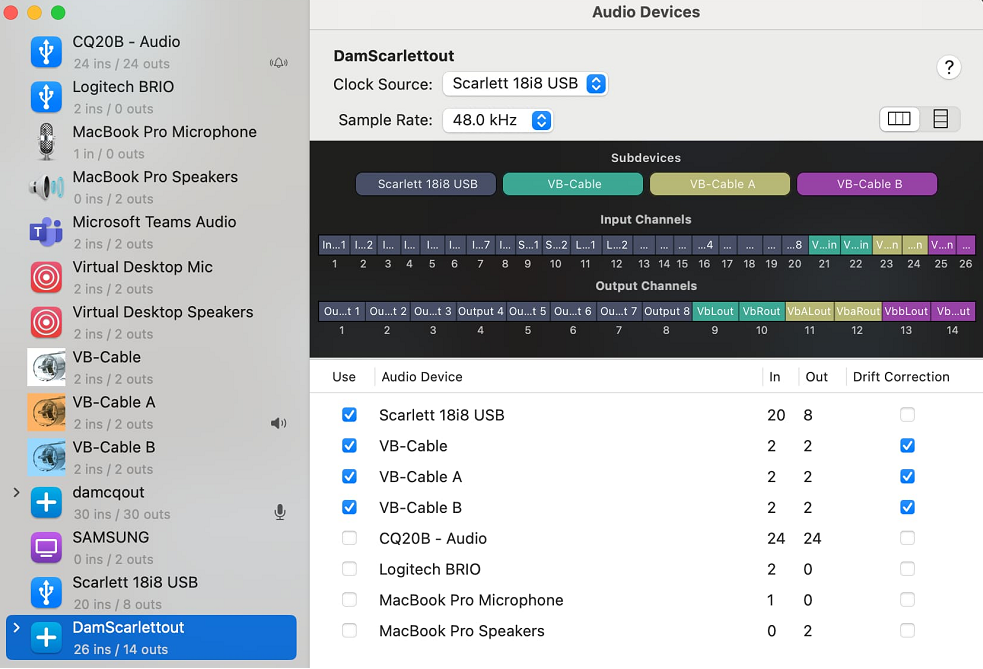
An Aggregate Device is a virtual audio interface in macOS that combines multiple physical and virtual audio devices (like microphones, interfaces, and virtual audio cables) into a single “device”, allowing them to be used simultaneously as a single input or output source in applications such as Gig Performer, Logic Pro or other DAWs. This is a native feature on macOS. Example:
In these examples, you can aggregate:
– virtual audio cable (such as BlackHole) and your audio interface -> LINK,
– your audio interface with a ZoomAudioDevice -> LINK.
Windows does not include such a feature. However, you can aggregate multiple audio interfaces using third-party solutions such as ASIO4ALL and VB-Audio Matrix. Your mileage may vary, however, as these applications can add a little latency. .
MIDI support and routing
.
macOS features native, robust MIDI support powered by its core architecture, CoreMIDI, which enables seamless communication between music software and hardware.
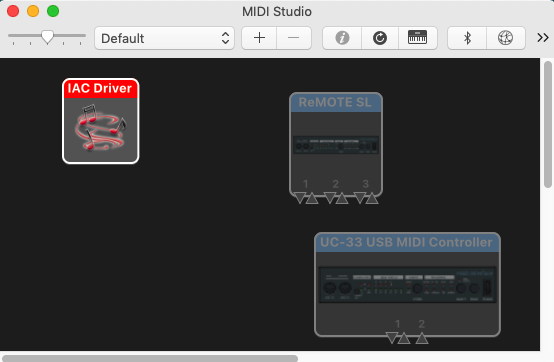
There is also native support for RTP-MIDI, allowing you to send MIDI data over Ethernet or Wi-Fi. macOS includes a virtual MIDI port support through an IAC Driver (Inter-Application Communication). This feature allows you to route MIDI internally among different apps on the same Mac (e.g., sending MIDI from Gig Performer to a DAW).
Windows does not include a virtual MIDI device. You have to use a third-party solution, such as LoopMIDI.
We have compiled a number of tutorials on how to route audio and MIDI on macOS and Windowsin this community thread. .
Audio Video Bridging
.
Audio Video Bridging (AVB) capability is natively built into the macOS operating system (specifically, it has been available since OS X 10.10 Yosemite). It is available across most modern Mac desktops and notebooks, including Apple Silicon (M1 and later) models.
Windows can do AVB, but not natively like the Mac can, and you will need an AVB enabled interface on each computer, instead of any interface like on Mac. .
3. Adjusting your computer for real-time audio
.
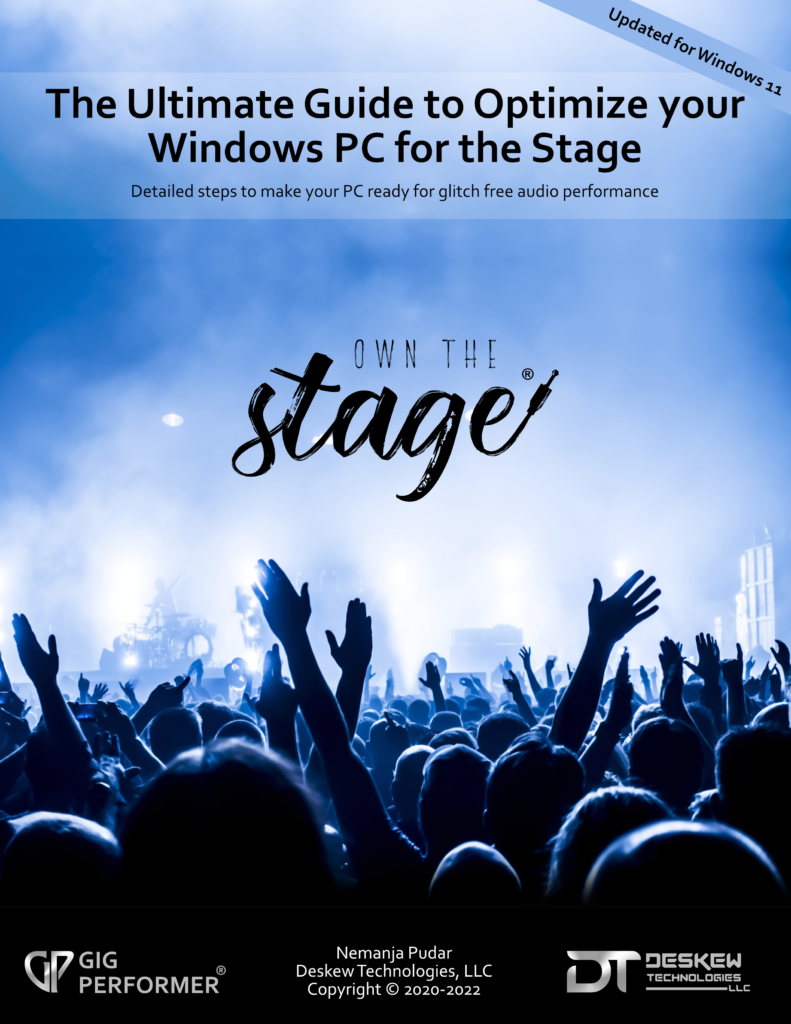
We have compiled many tips on how to adjust your Windows computer to make it 100% live performance ready and released a free e-book:
This comprehensive guide is intended to help musicians optimize their Windows PCs to process audio as fast and as reliably as possible. To get the most from Windows for digital audio processing, you need to adjust many Windows settings and features. By following this guide, you will learn how to minimize issues like crackles, dropouts, audio glitches, high latency and more.
macOS typically does not need many adjustments. You can check our macOS guide here. .
4. Price
.
When people talk about buying a new computer, one of the first debates that comes up is PC or Mac — and often, the conversation quickly narrows down to price. At first glance, the difference can seem obvious, but the real answer depends on how you look at cost.
One of the most noticeable differences is the initial price tag. Generally speaking, Macs often start at a higher base price than many Windows-based PCs. Windows PCs come in a much wider range — from very budget-friendly laptops under a few hundred dollars to high-end machines that rival or exceed Apple prices.
So if you’re simply looking at “cheapest option available,” a Windows PC will usually win. For example, in this thread a guitarist broke down his rig along with the price list and was able to build a solution for the stage for about $400.
Price isn’t just a number — it’s tied to what you actually receive. Mac computers include:
macOS, Apple’s operating system, with long-term software updates included for free.
Premium build quality, solid battery life (in laptops), and strong resale value.
Integration with other Apple devices (iPads, etc).
.
PCs offer:
A huge selection of hardware configurations — from inexpensive basic models to powerful gaming rigs or workstations.
Greater flexibility to upgrade parts (especially desktops).
Many form factors (along with Windows tablets) including touch screen devices and special projects are Windows based.
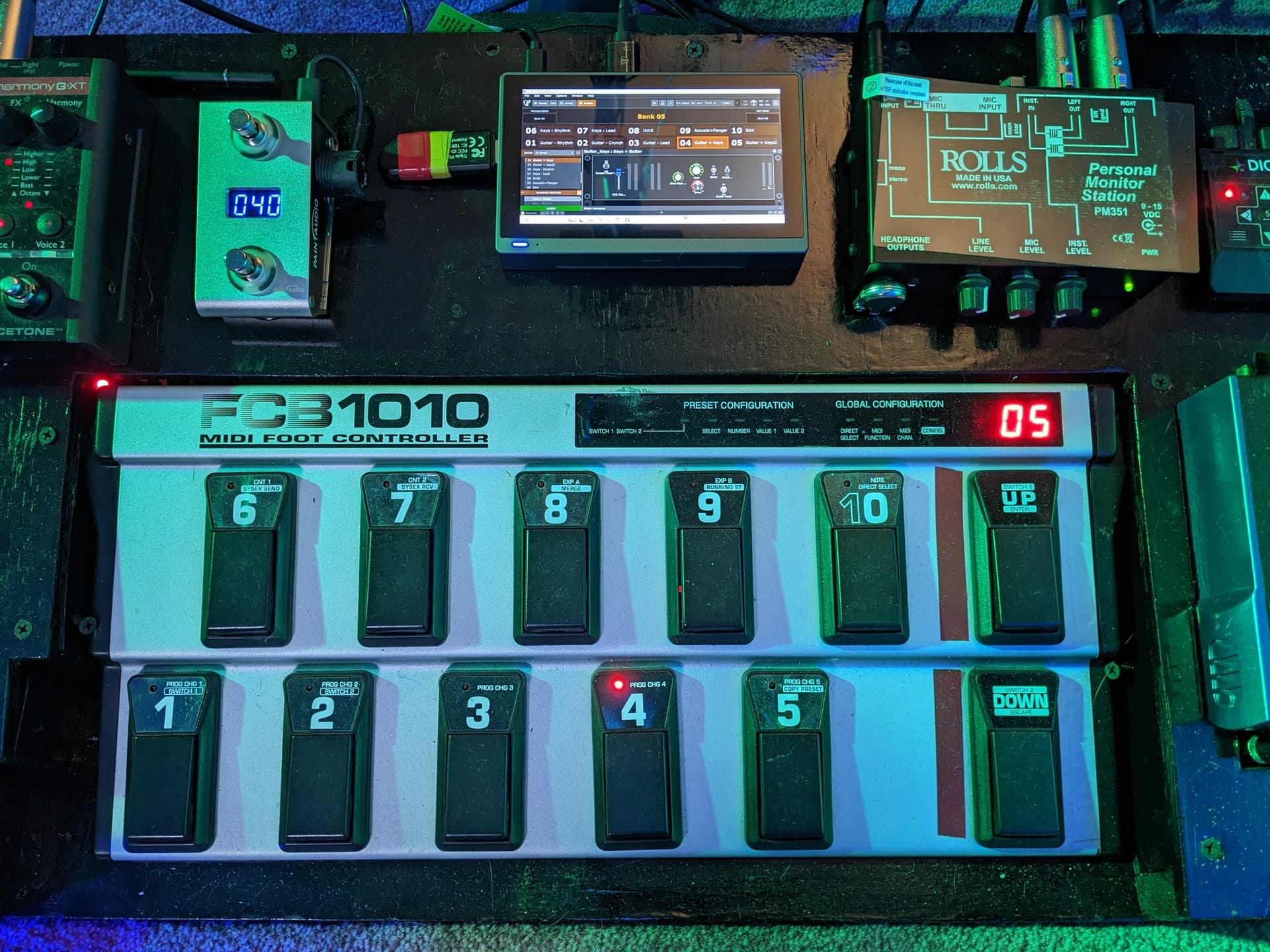
For example, in our Backstage with Gig Performer show we’ve seen people gig with ASUS Rog Ally, or Mini PCs:
We also must put the Total Cost of Ownership argument on the table. Therefore, when comparing total ownership cost, we must think beyond the ticket price. Although the initial price of a Mac is higher, they tend to hold value longer, so selling an older model can recoup more of the original cost. Also note that (as already mentioned in the article) Macs include many built-in apps and they work very well. With PCs, you may need to buy extra software depending on your needs.
Another special cases to consider: if you happen to have extremely large projects where you need (say) 128 GB of RAM or other specific needs, the PC is probably the way to go due to its more easily customizable options and relatively affordable price, compared to Macs.
Many users also value the design and consistency of Apple hardware. PCs, by contrast, offer far more choice. Buyers can select from countless brands and configurations, customize hardware to match their needs, and often upgrade components more easily, especially with desktop systems. .
5. Conclusion
.
Of course, the conclusion depends on your needs. Suppose you are willing to:
– invest some time on researching and choosing an adequate Windows PC configuration for your needs,
– take some time to optimize it a bit for live performance,
– and you don’t need flexible audio and MIDI routing options (and if you do, you can get away with some workarounds),
… then Windows may be the right choice for you. If your projects are especially resource intensive and you need (say) 128 GB of RAM, or a custom solution, PC is also a good choice there. .
If you:
– want the robust solution that will just work right out of the box,
– don’t want to think about computers nor invest time on various operating system adjustments,
– need easy and flexible audio and MIDI routing, with near-zero latency,
… and are comfortable with a higher price tag, then macOS is a solution for you. .
Bonus: Does Gig Performer care?
.
One of the most common questions people ask when getting into Gig Performer is whether it behaves differently on Windows versus macOS. The reassuring answer is simple: Gig Performer itself really doesn’t care which operating system you’re running.
From a design standpoint, Gig Performer is a genuinely cross-platform audio plugin host for live performance. The same application, with the same features, workflow, and visual layout, runs on both Windows and macOS. Suppose that you built a Gig Performer project file (gig file) on a Mac using VST or VST3 plugins. In that case, if you open that gig file on a Windows computer, Gig Performer can load it just fine. (As long as you have the same plugins installed on both computers)
If you’re sharing gig files between different platforms, you’ll want to make sure that you don’t use AU plugins (Mac only). We wrote a dedicated blog article Cross-platform usage and moving from one platform to another to help users with some gotchas if they want to move to another platform.
In the Gig Performer world, a computer represents a “tool” on which you install Gig Performer, design your gig files, and perform. Nowadays, both Windows and macOS are used both live and in the studio, as can be seen from our guests from the Backstage with Gig Performer episodes. For example, Joachim Schäfer, Kevin Fraser, Joe Luca, and Angel von Powerlord are using Windows, while Alistair Begg, Harry Triendl, Joel Brazy and Tony Geballe are using macOS.
Make sure to also check the Gig Performer in Action section of our community to see and specifications and photos of various Gig Performer macOS and Windows setups.
Whatever platform you choose — Gig Performer will happily do its job either way.
We use cookies to ensure that we give you the best experience on our website. If you continue to use this site we will assume that you are happy with it.